
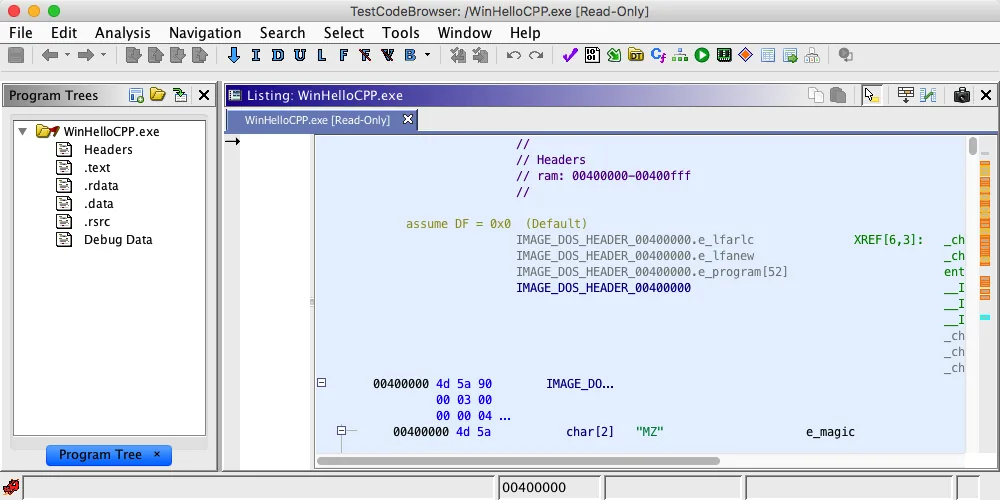
Présentation de PyGhidra
PyGhidra est la bibliothèque officielle pour utiliser l’API de Ghidra depuis CPython 3 natif. Elle intègre projets, programmes, symboles et analyses dans des workflows Python reproductibles.
Fixez le chemin d’installation et l’environnement Python, puis notez les versions afin de rendre les résultats automatisés reproductibles.
Prérequis et versions
La version actuelle est PyGhidra 3.1.0, publiée le 14 mai 2026. Elle demande Python 3.9 ou plus récent, Ghidra 12.0 ou plus récent et un JDK 21 compatible.
Si plusieurs versions de Ghidra sont installées, vérifiez explicitement le répertoire racine et le JDK réellement utilisés.
Installer PyGhidra
Créez un environnement virtuel dédié. Installez depuis PyPI ou utilisez le paquet hors ligne de la distribution officielle. N’utilisez pas un EXE tiers.
Choisissez l’installation en ligne ou hors ligne et vérifiez que python et pip utilisent le même interpréteur de l’environnement virtuel.
- 1
Environnement virtuel
Isoler les dépendances.
python -m venv .venv - 2
Installer
Utiliser l’interpréteur actif.
python -m pip install --upgrade pyghidra==3.1.0 - 3
Option hors ligne
Utiliser le paquet officiel inclus.
python -m pip install --no-index -f <GhidraInstallDir>/Ghidra/Features/PyGhidra/pypkg/dist pyghidra
Relier PyGhidra à Ghidra
GHIDRA_INSTALL_DIR doit viser la racine extraite de Ghidra. On peut aussi passer install_dir à pyghidra.start().
Si plusieurs versions coexistent, fixez le chemin et vérifiez que les dossiers Ghidra et Features sont présents avant le démarrage.
GHIDRA_INSTALL_DIR=<path-to-ghidra-root>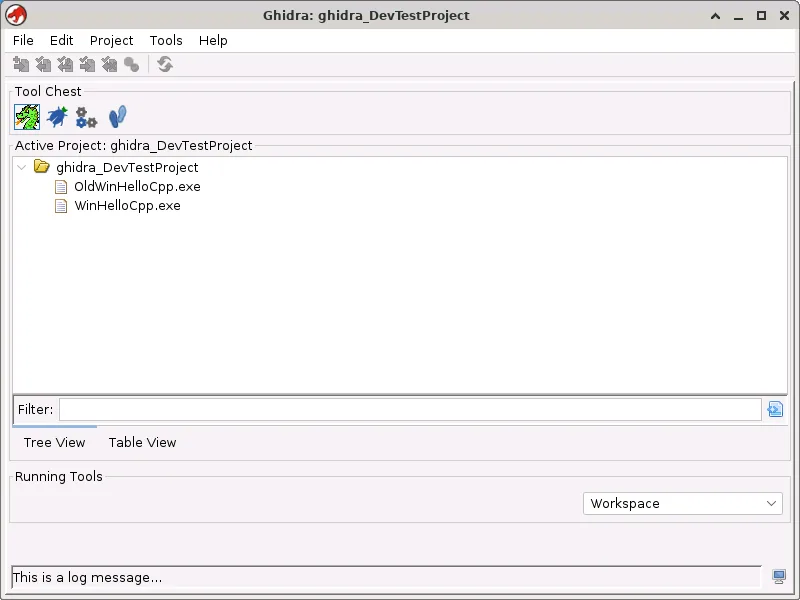
Première automatisation
Démarrez Ghidra une fois par processus, ouvrez un échantillon autorisé dans un contexte et écrivez les résultats hors du dossier d’installation.
Utilisez des gestionnaires de contexte comme open_program, fermez les ressources et séparez l’échantillon original du projet produit.
from pathlib import Path
import pyghidra
with pyghidra.open_program(Path('sample.exe')) as api:
    print(api.getCurrentProgram().getName())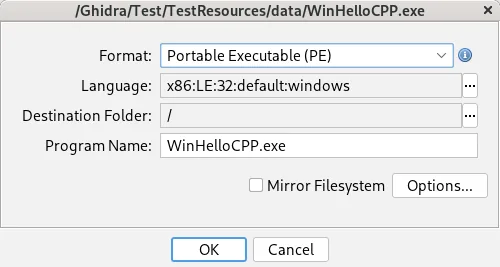
Problèmes fréquents
Vérifiez interpréteur Python, java -version, racine Ghidra et compatibilité. Considérez binaires et scripts externes comme non fiables.
Notez les versions de Python, du paquet et du JDK avec GHIDRA_INSTALL_DIR pour distinguer un problème d’environnement d’un problème de compatibilité API.
| Symptôme | Cause | Vérification |
|---|---|---|
| Erreur d’importation | Mauvais environnement | python -m pip show pyghidra |
| Erreur Java | Mauvais JDK | java -version |
| Erreur de chemin | Racine incorrecte | GHIDRA_INSTALL_DIR |
| Incompatibilité API | Limite de version | PyGhidra 3.x + Ghidra 12.0+ |
PyGhidra FAQ
PyGhidra est-il inclus avec Ghidra ?
PyGhidra est la bibliothèque officielle pour utiliser l’API de Ghidra depuis CPython 3 et s’installe depuis le paquet officiel ou PyPI.
Quelle version de Python est requise ?
Python 3.9 ou une version ultérieure.
Pourquoi Ghidra n’est-il pas trouvé ?
Définissez GHIDRA_INSTALL_DIR vers la racine extraite de Ghidra ou passez install_dir à pyghidra.start().
Remplace-t-il analyzeHeadless ?
Non. PyGhidra contrôle l’API depuis Python, tandis qu’analyzeHeadless convient aux pipelines en ligne de commande. Choisissez selon le workflow.
PyGhidra MCP est-il le même projet ?
Non. Les outils MCP sont des projets distincts et ne constituent pas le paquet officiel PyGhidra.