
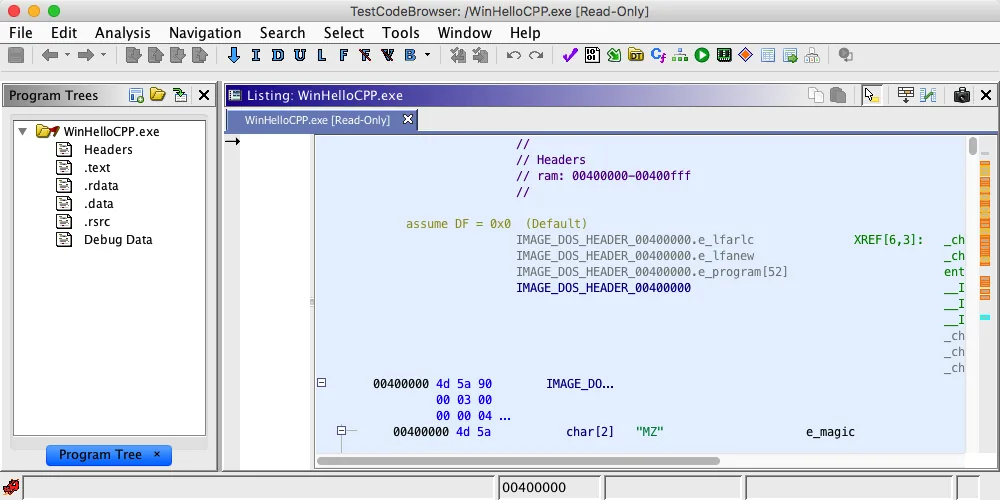
PyGhidraとは
PyGhidraはネイティブCPython 3からGhidra APIを利用する公式ライブラリです。プロジェクト、プログラム、シンボル、解析機能を再現可能なPython処理へ組み込めます。
Ghidraのプロジェクトとプログラムを直接扱うAPIなので、インストール先とPython環境を固定し、再現できるようバージョンを記録します。
要件と確認済みバージョン
現行版は2026年5月14日公開のPyGhidra 3.1.0です。Python 3.9以降、Ghidra 12.0以降、対応するJDK 21が必要です。
複数のGhidraをインストールしている場合は、PyGhidraが実際に接続するGhidraのルートとJDKを明示的に確認します。
インストール方法
専用仮想環境を作り、PyPIまたは公式Ghidra配布物内のオフラインパッケージから導入します。第三者EXEは不要です。
オンラインまたはオフラインの方法を選び、仮想環境のpythonとpipが同じインタープリターを指すことを確認します。
- 1
仮想環境
依存関係を分離します。
python -m venv .venv - 2
インストール
アクティブなインタープリターを使います。
python -m pip install --upgrade pyghidra==3.1.0 - 3
オフラインの方法
公式配布物に含まれるパッケージを使います。
python -m pip install --no-index -f <GhidraInstallDir>/Ghidra/Features/PyGhidra/pypkg/dist pyghidra
Ghidraとの接続
GHIDRA_INSTALL_DIRを展開済みGhidraルートへ設定するか、pyghidra.start()へinstall_dirを渡します。
複数のGhidraバージョンがある場合はパスを固定し、起動前に対象ディレクトリにGhidraとFeaturesフォルダーがあることを確認します。
GHIDRA_INSTALL_DIR=<path-to-ghidra-root>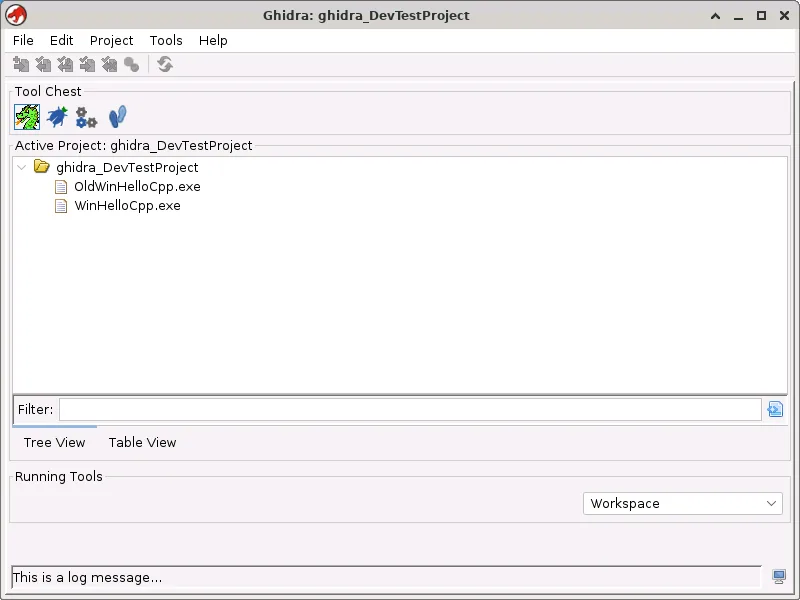
最初の自動解析
Pythonプロセスごとに一度起動し、解析権限のあるサンプルをコンテキスト内で開き、結果を本体外へ保存します。
open_programなどのコンテキストマネージャーを使ってリソースを閉じ、元のサンプルと生成したプロジェクトを分けて保管します。
from pathlib import Path
import pyghidra
with pyghidra.open_program(Path('sample.exe')) as api:
    print(api.getCurrentProgram().getName())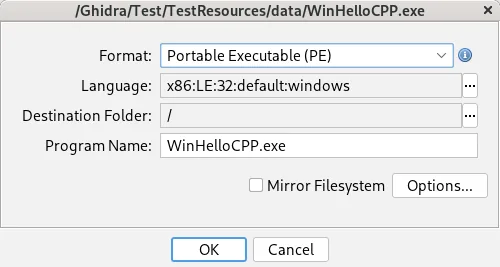
よくある問題
Python実行環境、java -version、Ghidraルート、互換性を確認します。外部バイナリやスクリプトは信頼しない前提で扱います。
エラーを再現するときは、Python、パッケージ、JDKのバージョンとGHIDRA_INSTALL_DIRの値を記録すると、環境の問題とAPI互換性の問題を切り分けやすくなります。
| 症状 | 原因 | 確認 |
|---|---|---|
| インポートエラー | 環境が正しくない | python -m pip show pyghidra |
| Javaエラー | JDKが正しくない | java -version |
| パスエラー | ルートが正しくない | GHIDRA_INSTALL_DIR |
| APIの不一致 | バージョンの境界 | PyGhidra 3.x + Ghidra 12.0+ |
PyGhidra FAQ
PyGhidraはGhidraに含まれていますか?
PyGhidraはネイティブCPython 3からGhidra APIを使う公式ライブラリで、公式パッケージまたはPyPIからインストールできます。
必要なPythonのバージョンは?
Python 3.9以降が必要です。
Ghidraが見つからないのはなぜですか?
GHIDRA_INSTALL_DIRを展開したGhidraのルートに設定するか、pyghidra.start()にinstall_dirを渡します。
analyzeHeadlessの代わりになりますか?
いいえ。PyGhidraはPythonからAPIを操作する方法で、analyzeHeadlessはコマンドラインの分析パイプラインに適しています。ワークフローに合わせて選びます。
PyGhidra MCPは同じプロジェクトですか?
いいえ。MCPツールは別のプロジェクトで、PyGhidraの公式パッケージとは異なります。